Product case study
SwiftShare-Android— Local Files. Zero Cloud.
A private cross-platform file-sharing application that transfers files directly between computers and smartphones through Wi-Fi or mobile hotspots—without cloud storage.

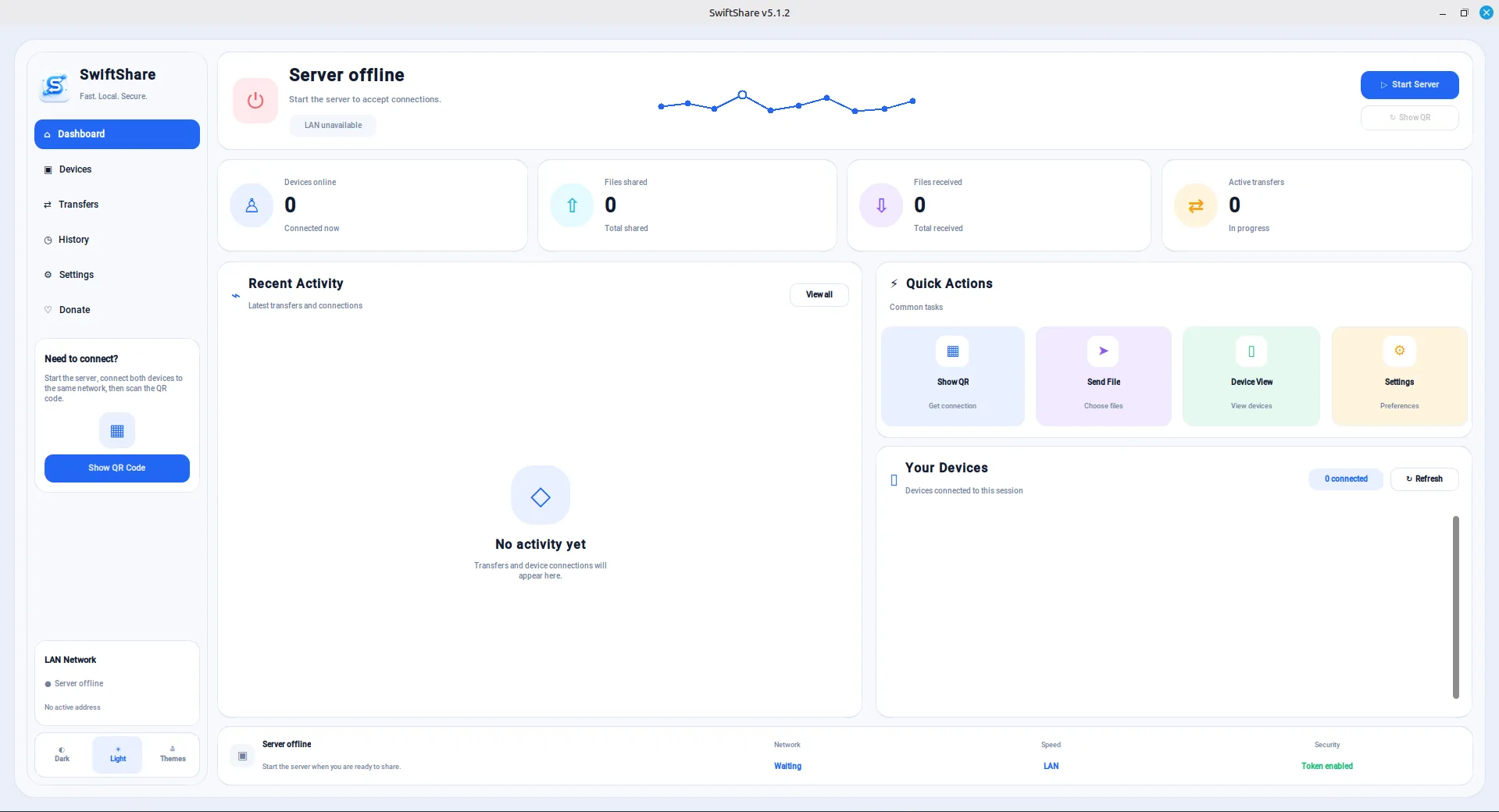
Core capabilities
Key features built into SwiftShare-Android— Local Files. Zero Cloud.
Direct peer-to-peer file transfers
QR code and six-digit pairing
Photos, Videos, Music, and Apps library
Folder browser with file selection
Cross-platform support (Android, Desktop, and Web)
Real-time transfer progress and speed
SHA-256 file integrity verification
Secure device confirmation before transfers
Transfer history
Dark and Light themes
No cloud storage or user accounts required
Modern Material Design interface
Project overview
What this project delivers
SwiftShare Android is a modern peer-to-peer file sharing application that enables users to quickly transfer photos, videos, music, documents, apps, and folders without relying on cloud storage. Built with a clean Material Design interface, the app connects directly to other SwiftShare clients on Android, Desktop, and Web using QR codes or secure six-digit pairing codes.
The application focuses on privacy, speed, and ease of use by transferring files directly between devices over WebRTC, ensuring that files are never uploaded to external servers. It features an organized media library, folder browser, drag-and-select workflow, transfer queue, progress tracking, SHA-256 file integrity verification, and secure connection confirmation before every transfer.
SwiftShare Android is designed to provide a seamless cross-platform experience while maintaining a simple interface suitable for everyday users.
The challenge
Problem & constraints
Many mobile file-sharing applications either depend on cloud storage, require user accounts, or contain advertisements that interrupt the user experience. Some are also limited to transfers between the same platform, making cross-device sharing inconvenient. The challenge was to build a private, fast, and user-friendly Android application capable of sharing files seamlessly with Android, Desktop, and Web clients.
The solution
Approach & process
I developed SwiftShare Android using Kotlin and modern Android development practices to deliver a clean and responsive user experience. The application organizes content into dedicated libraries for photos, videos, music, apps, and folders, allowing users to quickly locate and select files.
To simplify device pairing, I implemented QR code scanning and six-digit connection codes, eliminating the need for complicated network configuration. Files are transferred directly between devices using peer-to-peer communication, while SHA-256 verification ensures data integrity after every transfer. The interface was carefully designed to keep the workflow simple while providing detailed progress information, transfer queues, and secure connection confirmation.
Results and impact
What changed after launch
wiftShare Android provides a secure and efficient file-sharing experience without relying on cloud services or subscriptions. The application successfully enables cross-platform transfers while maintaining user privacy through direct peer-to-peer communication.
Project outcomes:
- Built a native Android application using Kotlin.
- Enabled secure transfers with Android, Desktop, and Web clients.
- Implemented QR code and six-digit pairing for fast device connections.
- Added media libraries and folder browsing for easier file selection.
- Improved usability with real-time transfer progress, transfer history, and modern Material Design.
- Created a scalable foundation for future features such as nearby device discovery, resumable transfers, and automatic device detection.